
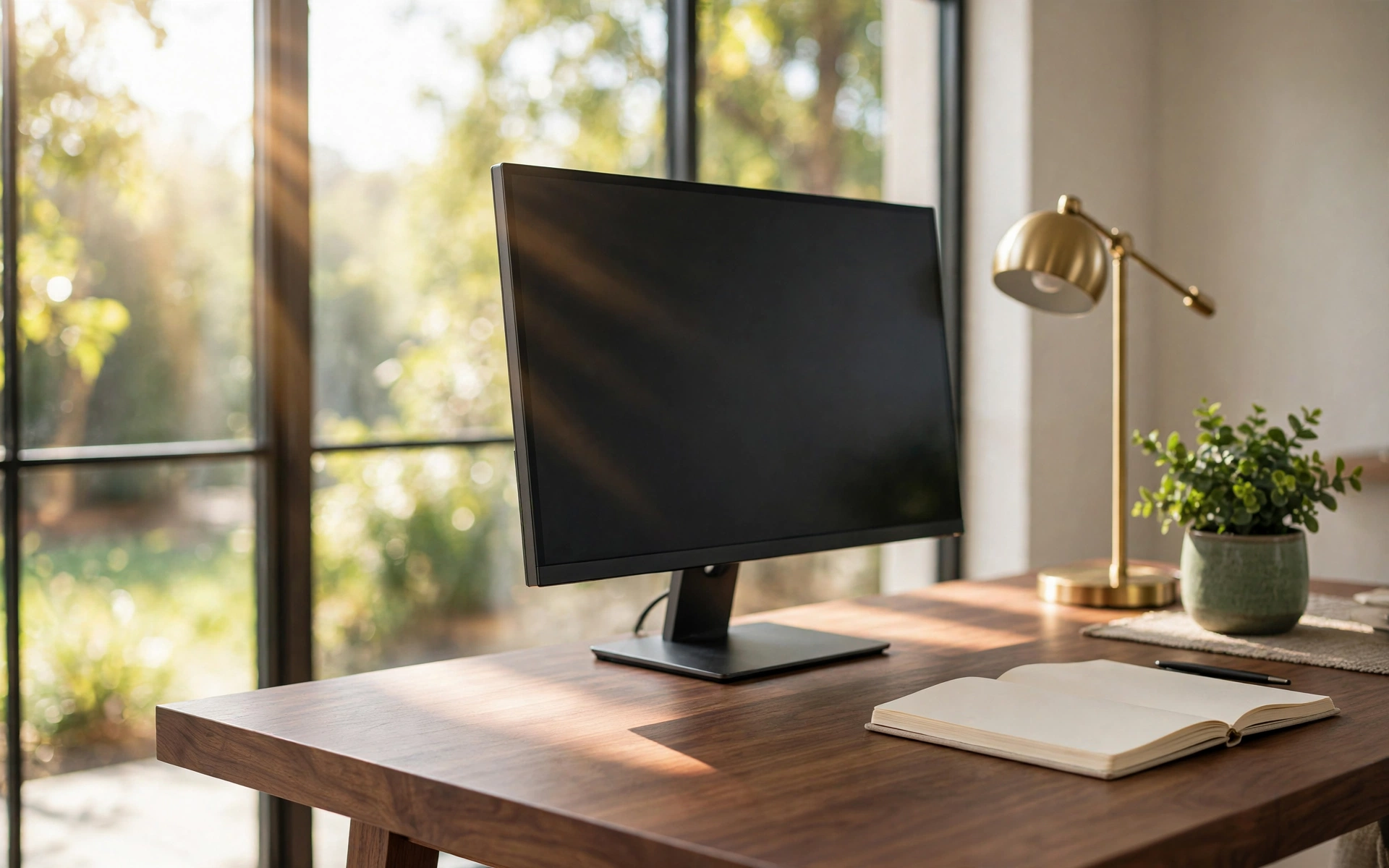
12 Home Office Desk Setup Ideas for Productivity
A productive workday starts before you open your laptop. The right home office desk setup ideas do more than photograph well — they remove the small frictions that drain focus: a monitor that makes you hunch, a lamp that leaves your keyboard in shadow, cables that snag every time you reach for a charger.
The good news is that you rarely need new furniture. Most of the setups below keep the desk and chair you already own and change one thing — height, light, layout, or storage. Each of the 12 ideas targets a single productivity goal, with concrete measurements and placement advice you can apply the same day. Whether your office is a spare room or a corner of the living room, pick the setup that fixes your biggest frustration first. These home office desk setup ideas are ordered from highest impact to finishing touches, so you can stop as soon as your workspace feels right.
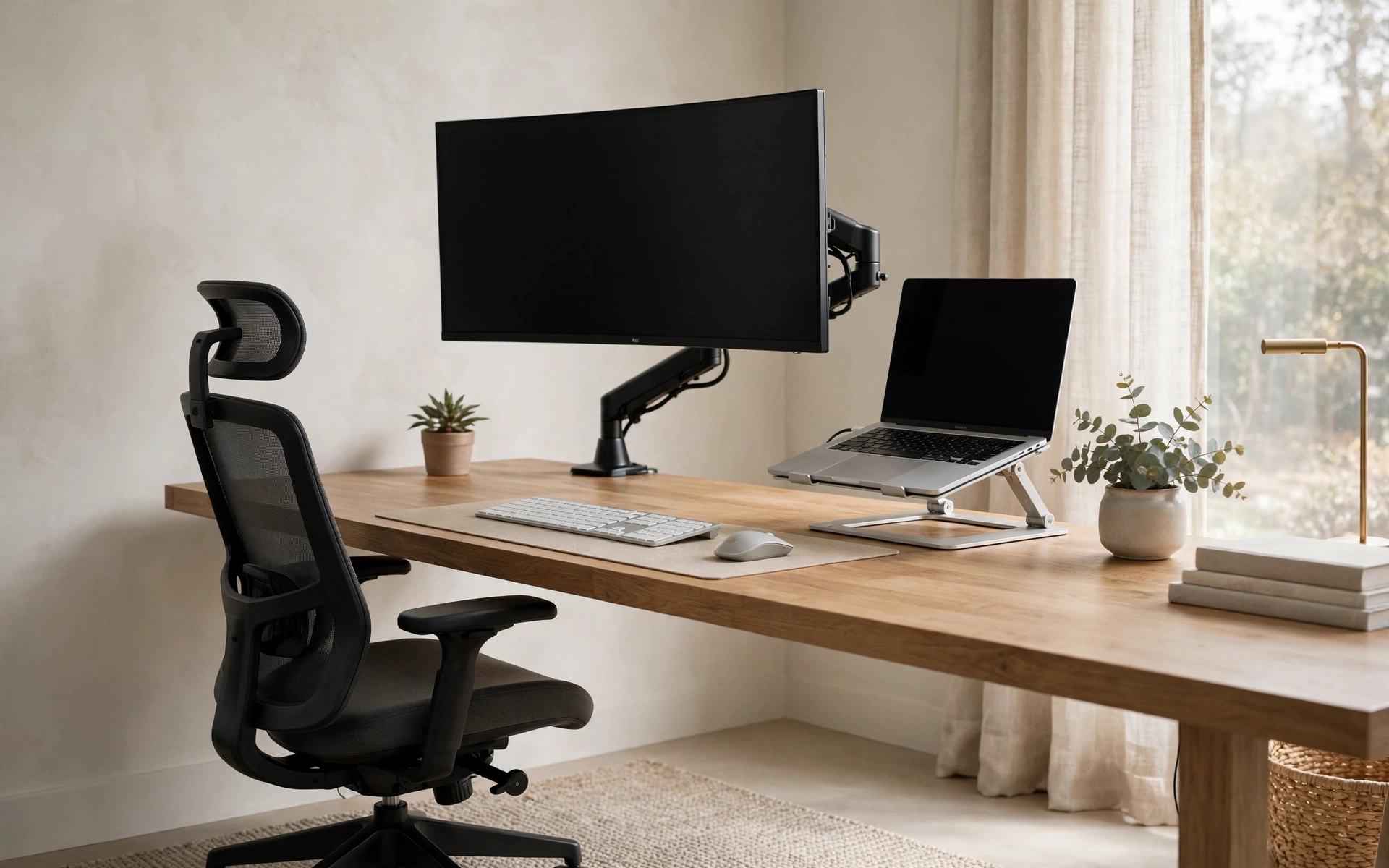
1. Home Office Desk Setup Ideas for an Ergonomic Command Center
Start with your body, because no amount of decor fixes a setup that hurts. Set your monitor so the top of the screen sits at or just below eye level, about an arm’s length (20–28 inches) from your face. If you work on a laptop, put it on a stand and add an external keyboard and mouse — hunching over a flat laptop is the fastest route to neck pain. Keep your keyboard at a height where your elbows rest near 90 degrees and your wrists stay straight, and choose a chair that lets your feet rest flat with your knees roughly level with your hips. For a detailed breakdown of chair height, posture, and monitor placement, Apartment Therapy’s home office ergonomics guide walks through each adjustment. Get these measurements right once and every workday feels easier.
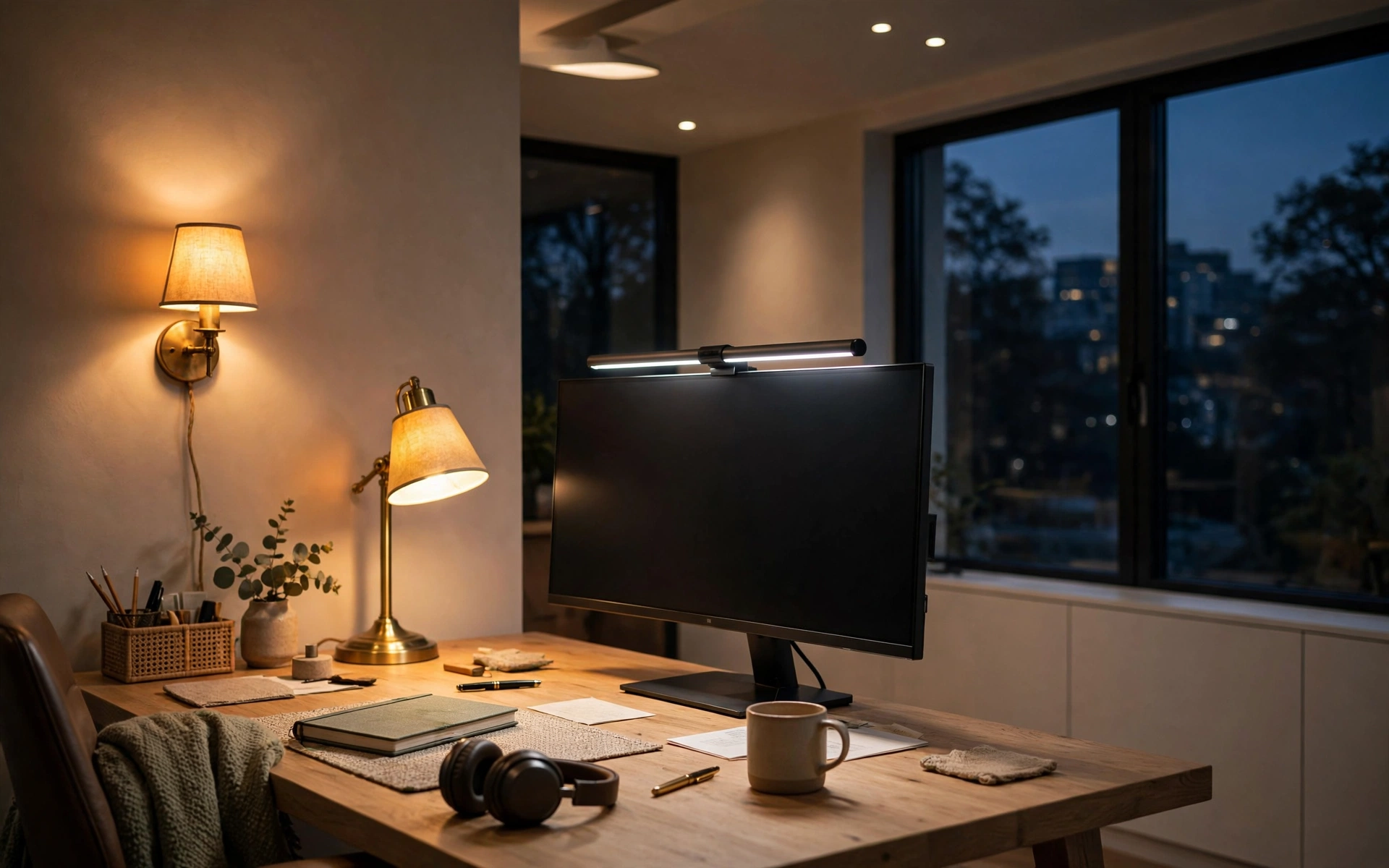
2. Layered Lighting: Home Office Desk Setup Ideas for Tired Eyes
Eye strain is a lighting problem more often than a screen problem. Build three layers: ambient light from the ceiling or a floor lamp, task light aimed at your work surface, and a soft accent like a warm glow behind the monitor. Place your task lamp on the opposite side of your writing hand to avoid shadows, and aim for bulbs around 3000–4000K — warm enough to feel calm, cool enough to stay alert. Keep the monitor perpendicular to windows so daylight never washes out the screen. A monitor light bar is worth considering: it lights the desk without taking up surface space, and if you’d rather keep the desk completely clear, a plug-in wall sconce mounted just above and to the side does the same job.
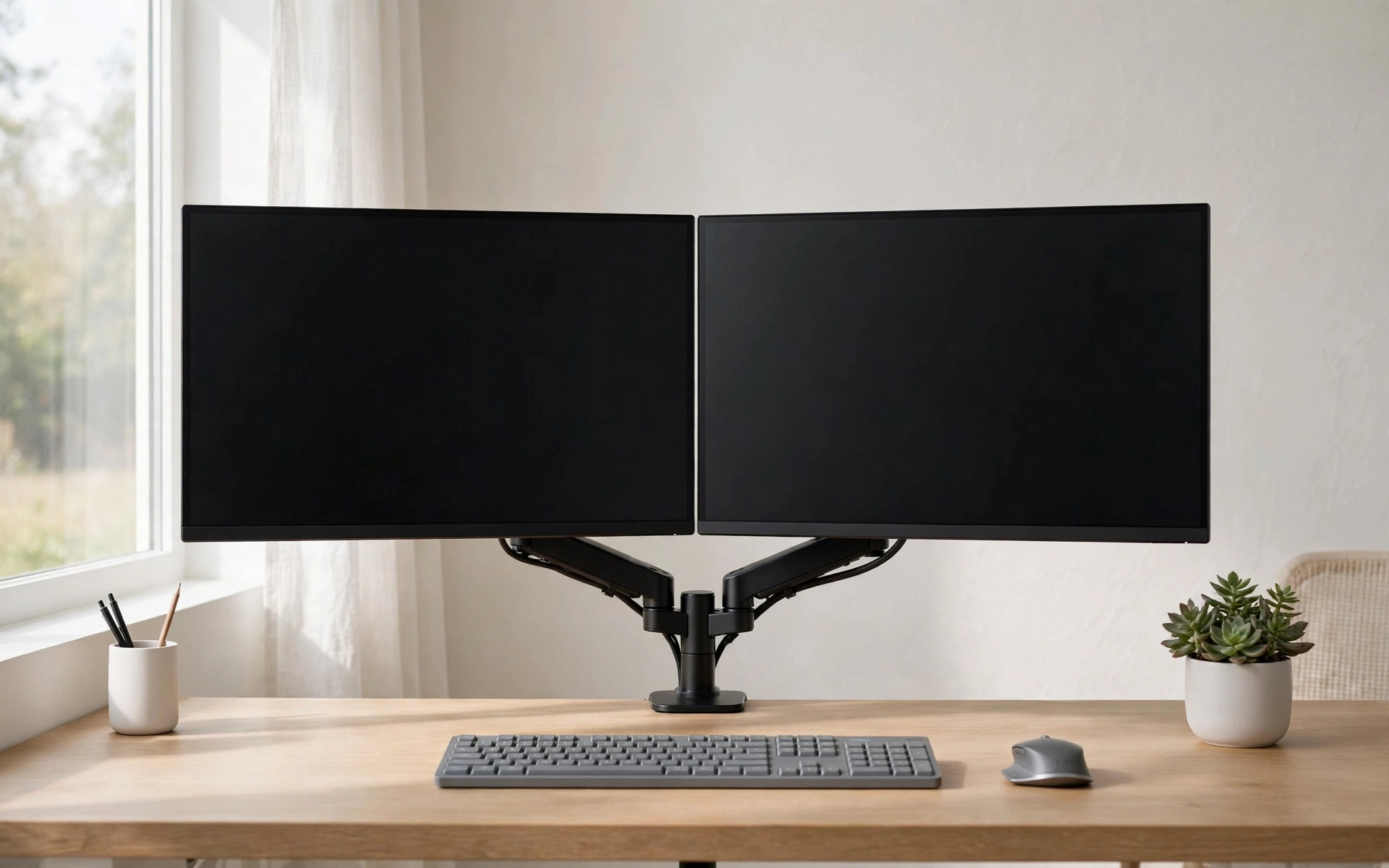
3. The Dual-Monitor Power Station: Desk Setup Ideas for Multitaskers
One screen forces constant window-switching; two screens let reference material live beside your work. Mount a pair of 24- to 27-inch monitors on a dual arm, with the primary screen centered and the secondary angled about 30 degrees to the side. A monitor arm is the real upgrade here — it reclaims the entire desk footprint that chunky monitor stands eat up, and it lets you dial in exact height and tilt. Run both displays at the same height so your eyes travel horizontally, not up and down. If two separate monitors feel like overkill, a single 34-inch ultrawide gives you the same split-screen room without a bezel in the middle.
4. Home Office Desk Setup Ideas That Tame Cable Chaos
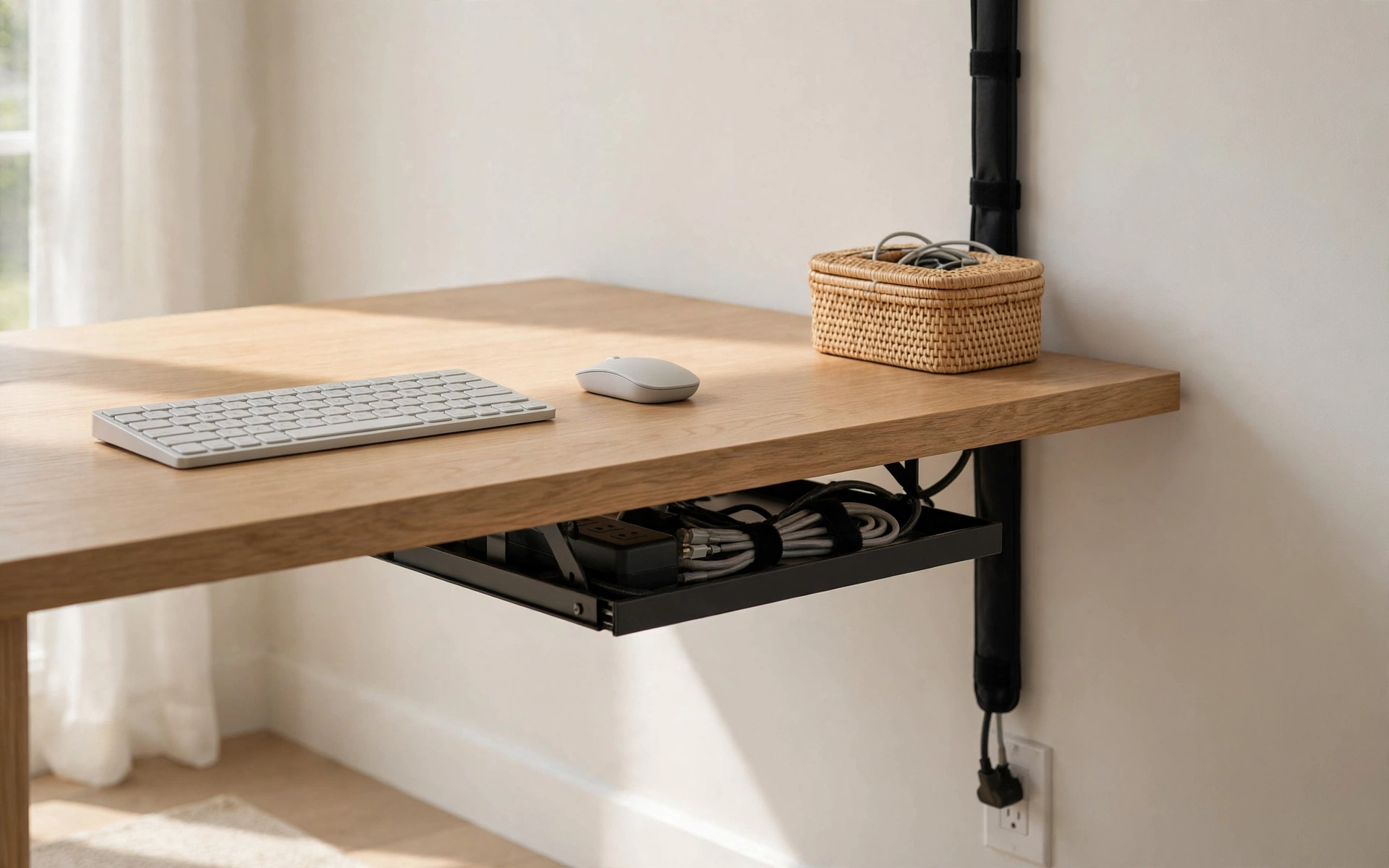
Nothing kills a calm workspace faster than a nest of cables. Mount a slim cable tray or a power strip under the back edge of the desk, and route every cord — monitor, charger, lamp — through it so nothing touches the floor. Use reusable ties to bundle what’s left, and slip a fabric sleeve over the single run that drops to the wall outlet. Switching to a wireless keyboard, mouse, and phone charger eliminates three cords at once. Keep one small lidded basket or drawer for the chargers you use daily, and tape a label on both ends of any cable you might unplug later. The result is a desk that stays clear with almost no daily effort.
5. The Sit-Stand Desk: Desk Setup Ideas That Keep You Moving
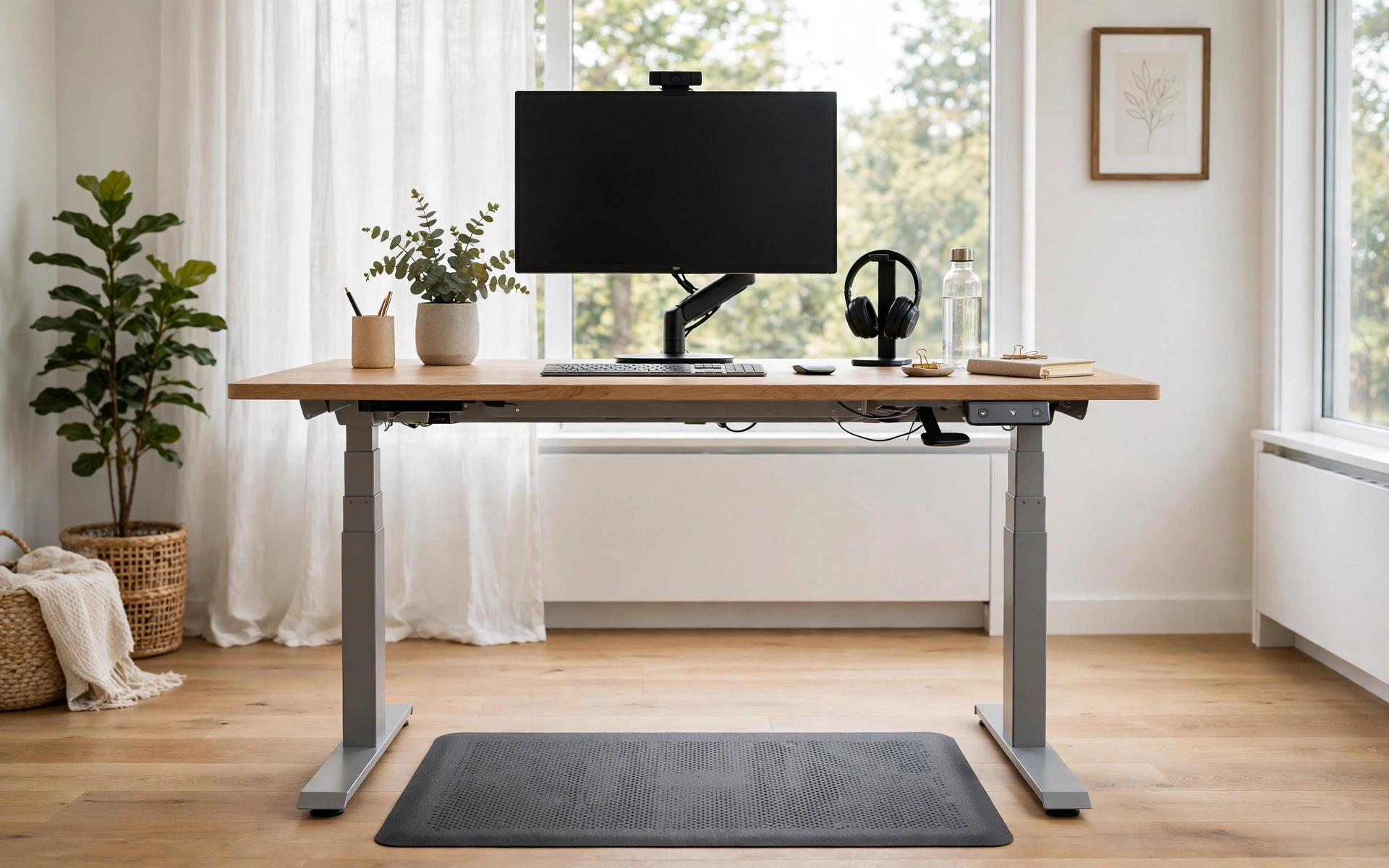
Sitting in one position all day is the enemy — a height-adjustable desk lets you alternate without leaving your workflow. An electric sit-stand frame with memory presets makes switching effortless: program one height for sitting, one for standing, and change position every 30 to 60 minutes. Pair it with an anti-fatigue mat so standing stays comfortable, and make sure your monitor arm or laptop stand rises with the desk so your screen height stays correct in both positions. When you stand, keep your weight even, shoulders relaxed, and the keyboard at elbow height. Even two or three standing intervals a day breaks up the stiffness that builds during long sessions.
6. Bring Nature to Your Desk: Desk Setup Ideas With Plants
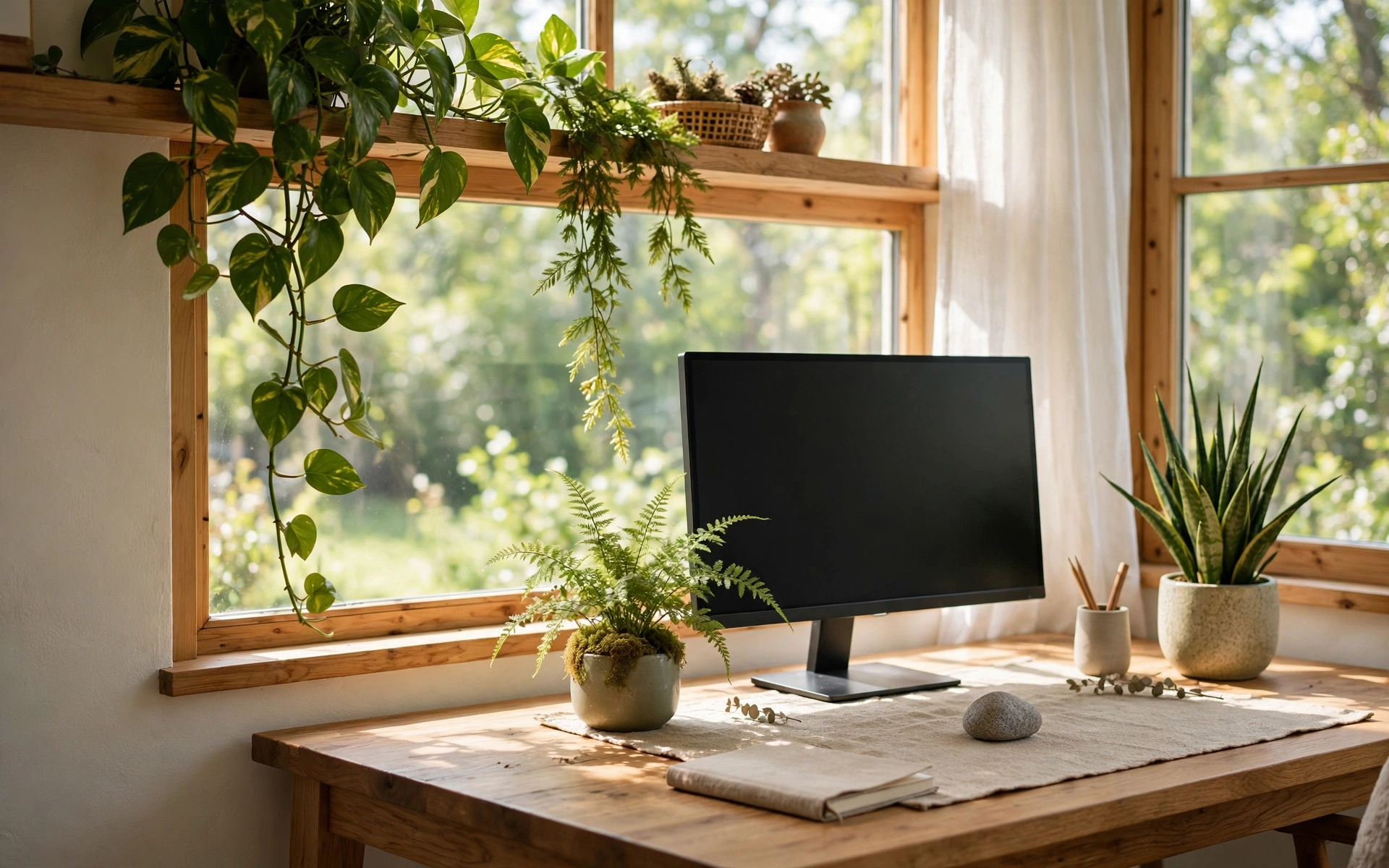
A desk with something living on it feels better to sit at — and it is one of the simplest home office desk setup ideas on this list. Place one or two low-maintenance plants within view: a pothos trailing from a shelf, a snake plant in a ceramic pot, or a small fern beside the monitor. If your desk sits near a window, let the plants live between you and the glass so you get greenery and daylight in one sightline. Echo the idea with natural materials — a solid wood desk, a stone paperweight, a linen desk mat — instead of all-plastic accessories. Watering a plant or two takes a minute a day, and that small ritual of care makes the workspace feel tended rather than merely used.
7. Home Office Desk Setup Ideas for Tiny Desks
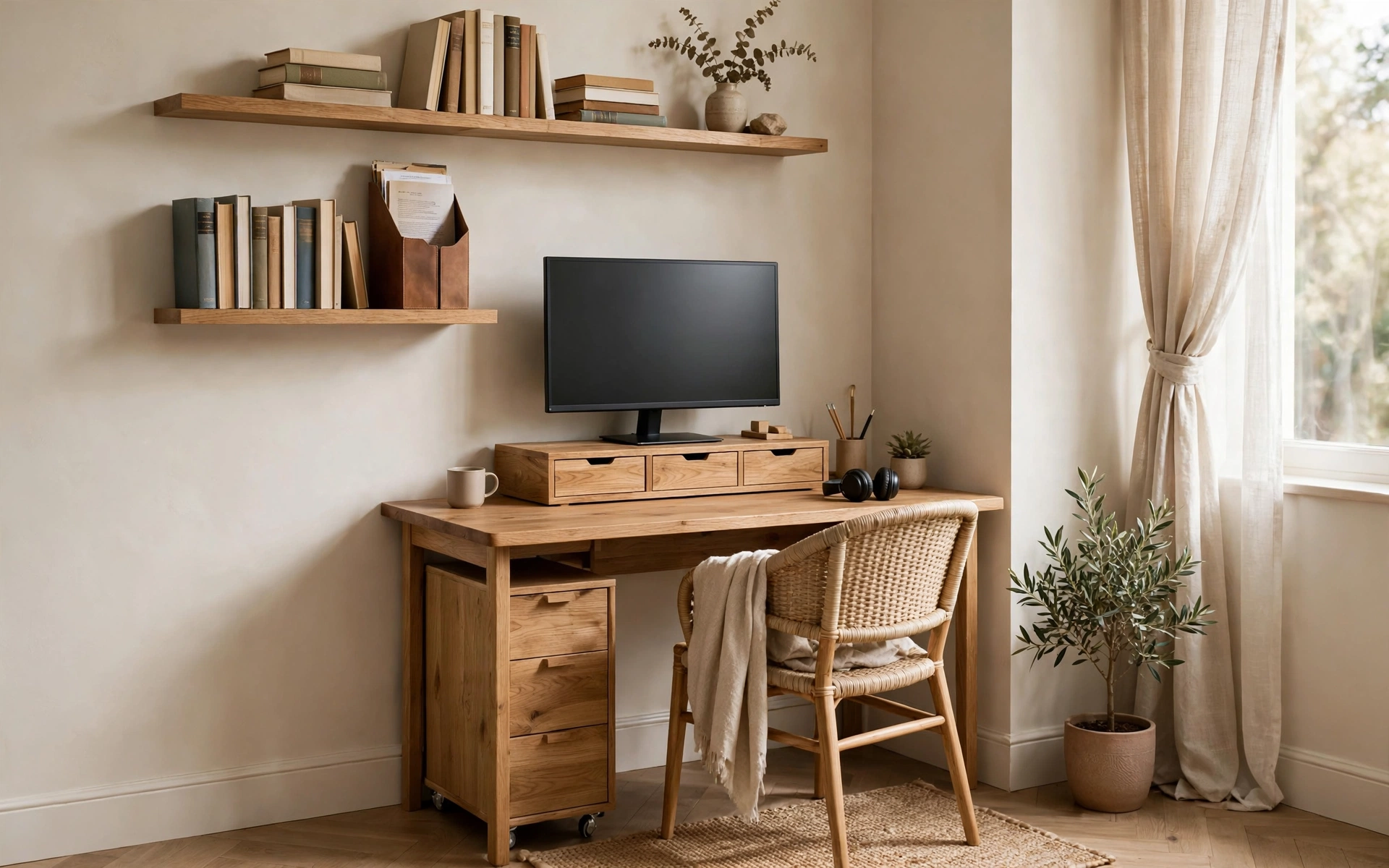
A small desk can still be a serious workstation if every inch is assigned a job. Start with a monitor riser that has built-in drawers — it lifts the screen to eye level while hiding pens, sticky notes, and chargers underneath. Mount two shallow floating shelves on the wall above for books and reference materials instead of stacking them on the surface. Use a vertical document holder for active papers so they take up three inches of desk instead of thirty, and slide a slim rolling drawer unit underneath for everything else. Choose a chair with no arms so it tucks fully under the desk when the day ends. With the floor and walls doing the storage work, even a 36-inch desk holds a full setup.
8. A Vertical Storage Wall: Desk Setup Ideas Above the Desk
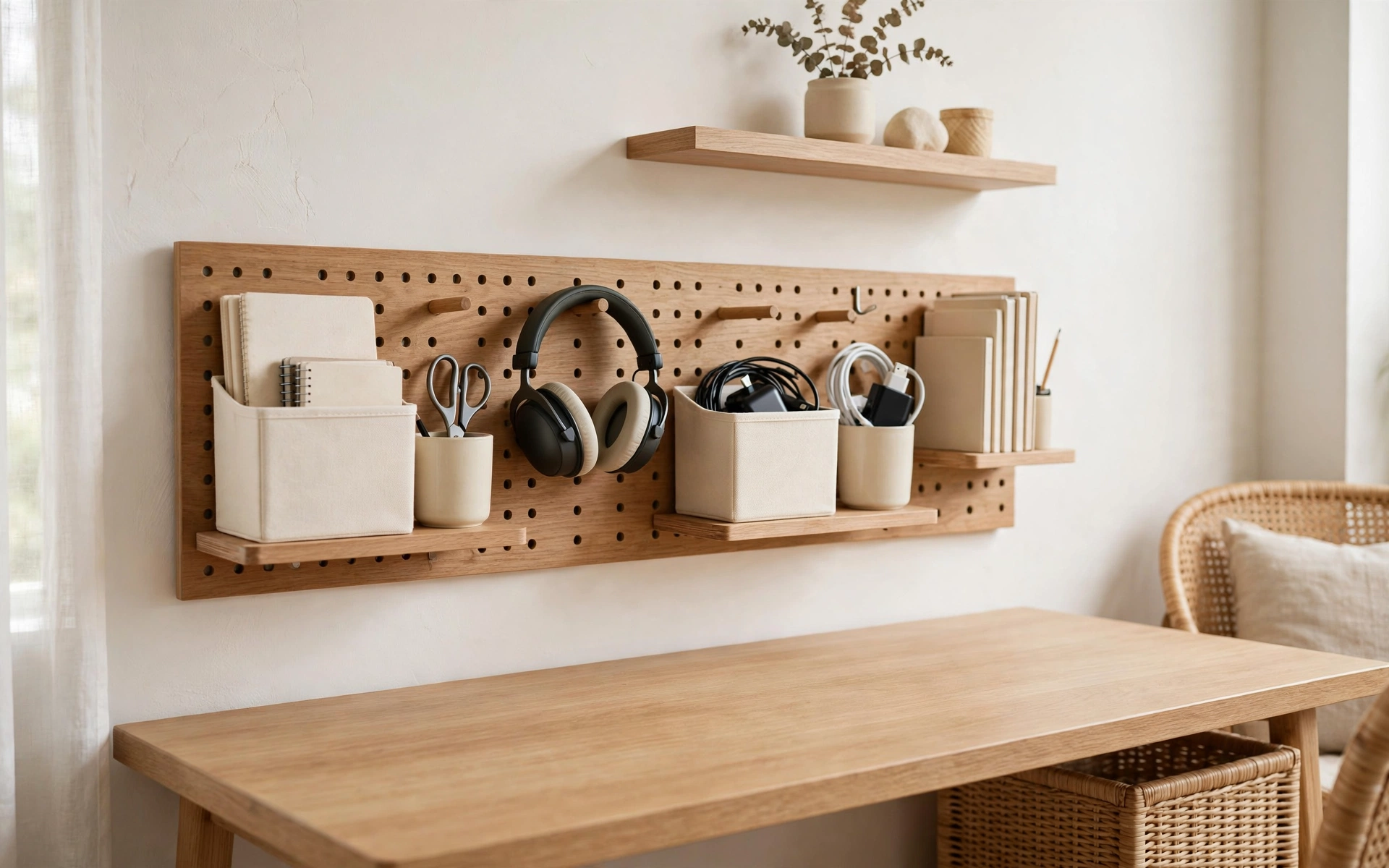
When the desktop is full, the answer is usually above it, not beside it. Mount a pegboard on the wall over your desk and load it with hooks, small shelves, and cups for scissors, headphones, chargers, and notebooks — everything visible and within arm’s reach, nothing eating desk space. If pegboard isn’t your style, two or three floating shelves do the same job; keep daily essentials on the lowest shelf and archive boxes and rarely used items up high. Use matching bins or boxes in one color family so open storage looks calm instead of busy, and label each one. A wall file sorter mounted beside the desk handles incoming paper before it ever lands on your work surface.
9. The Analog Planning Corner: Desk Setup Ideas for Paper Planners
Digital tools are great until every task lives in a different app. Dedicate one corner of your desk — a tray, a desk pad, or just the left twelve inches — to paper planning. Keep a single notebook or planner open to today, a pen cup with two pens you actually like, and an inbox tray for anything that arrives during the day. Each morning, write your top three tasks by hand; the physical act of writing forces you to choose what matters instead of copying a whole to-do list. Pair it with a small desk calendar for deadlines at a glance. At week’s end, spend ten minutes clearing the tray and reviewing the notebook — that short reset keeps the analog system trustworthy.

10. Home Office Desk Setup Ideas With Warm, Cozy Light
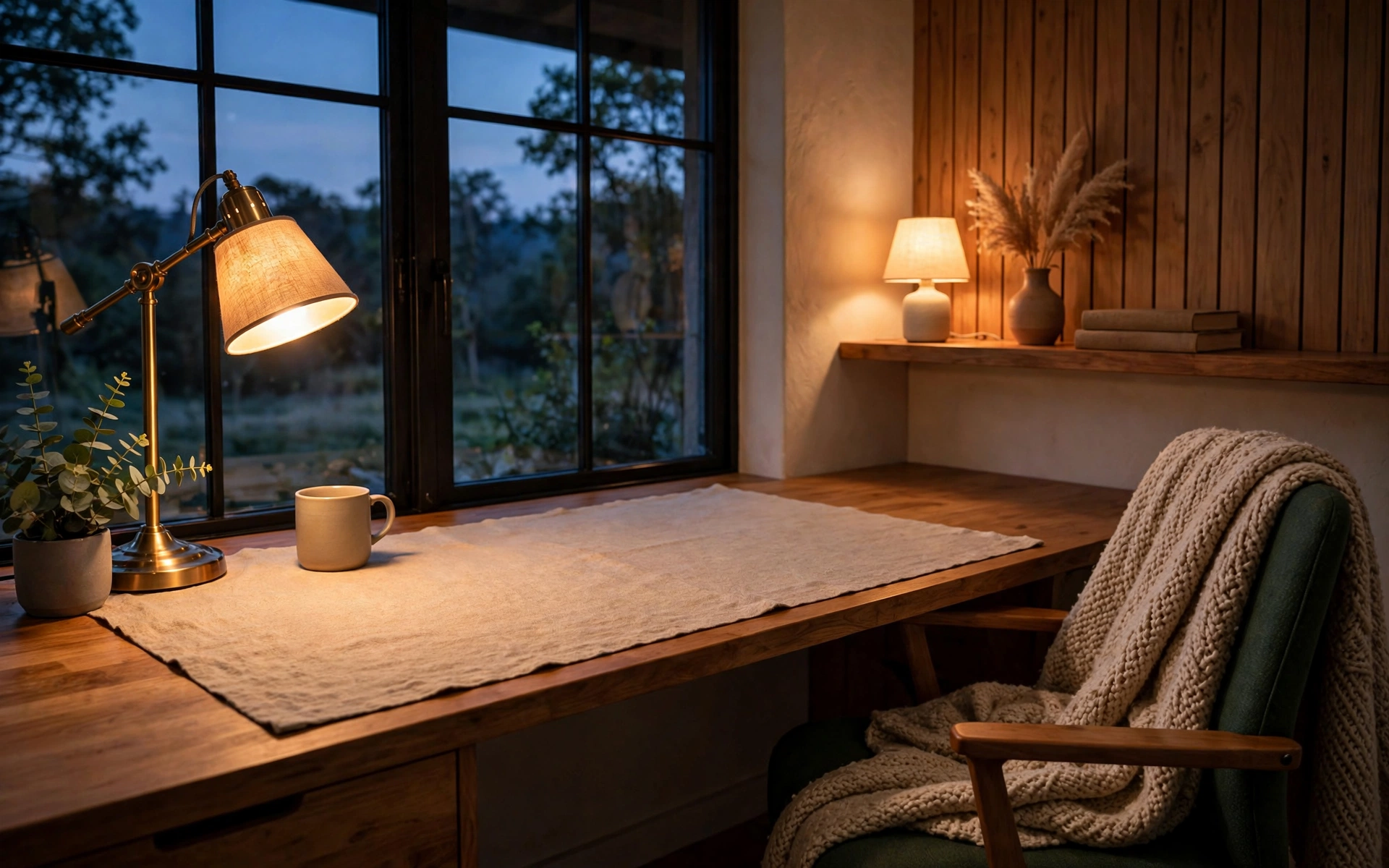
Productivity isn’t only about brightness — a desk that feels good in the evening keeps you working comfortably past sunset. Swap cool-white bulbs for warm 2700K ones in your desk lamp, and add a second low glow: a small table lamp on a nearby shelf, a flameless candle, or string lights along a bookshelf. Layer in texture to match the mood — a wool throw over the chair, a linen desk mat, warm wood tones like those in our 12 chocolate brown decor ideas. Keep the coziness contained: leave at least two-thirds of the desk surface clear so warmth reads as inviting, not cluttered. This setup shines for late sessions, creative work, and anyone whose office doubles as a reading corner.
11. Face the Right Direction: Desk Setup Ideas for Placement
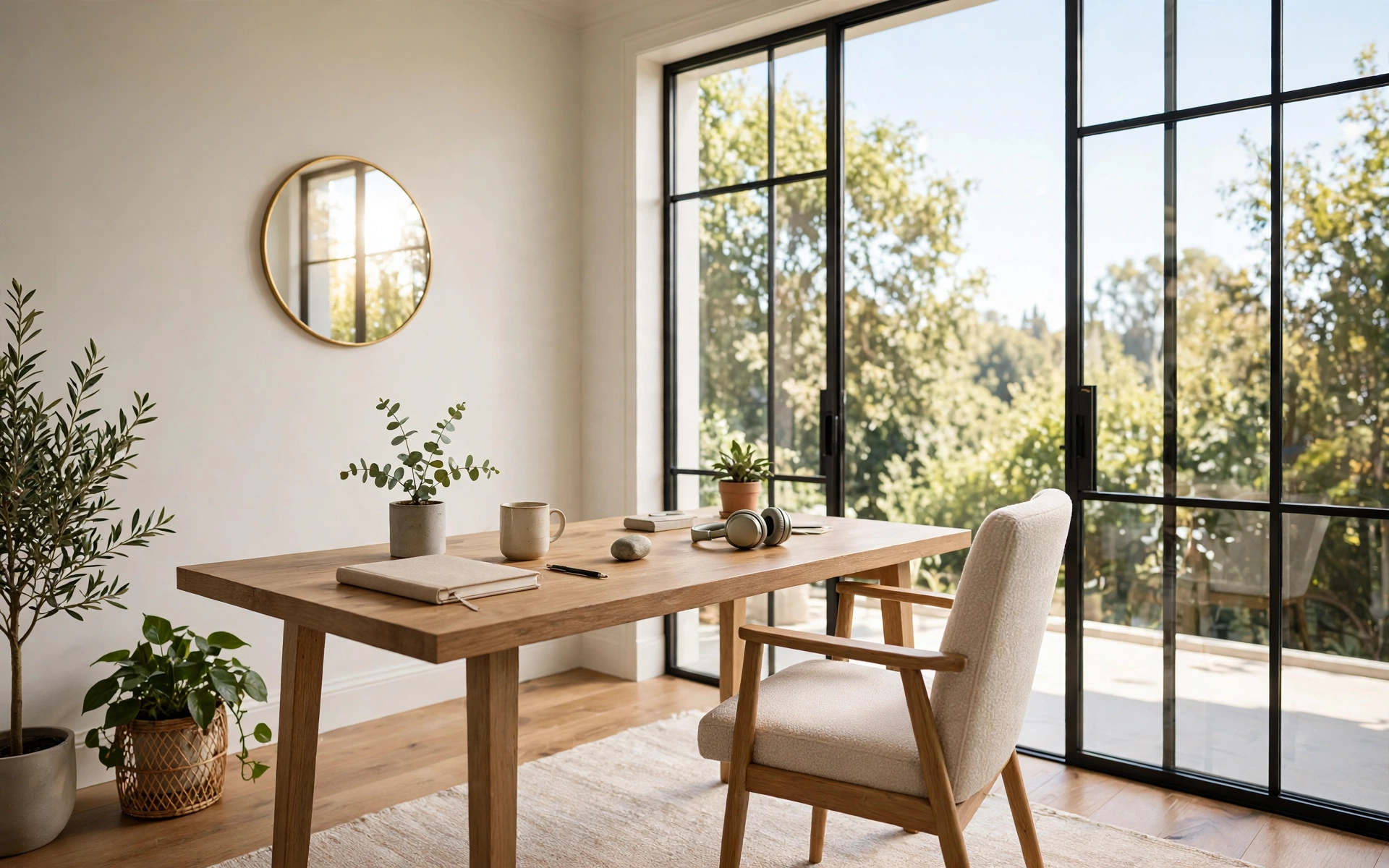
Where the desk sits matters as much as what’s on it. Facing a window gives you natural light and a view to rest your eyes on, but place the desk perpendicular to the glass rather than directly in front of it — facing straight into bright daylight causes glare and squinting. If a window isn’t an option, face into the room instead of a blank wall; seeing the space feels more open and keeps you aware of the household. In an open-plan room, anchor the desk with a rug to mark it as a work zone. And if your wall faces away from the door, hang a small mirror where you can glance at it — borrowing from our 12 stylish wall mirror decor ideas, a mirror opposite the window also bounces daylight deeper into the room.
12. The Video-Call-Ready Backdrop: Desk Setup Ideas for Calls
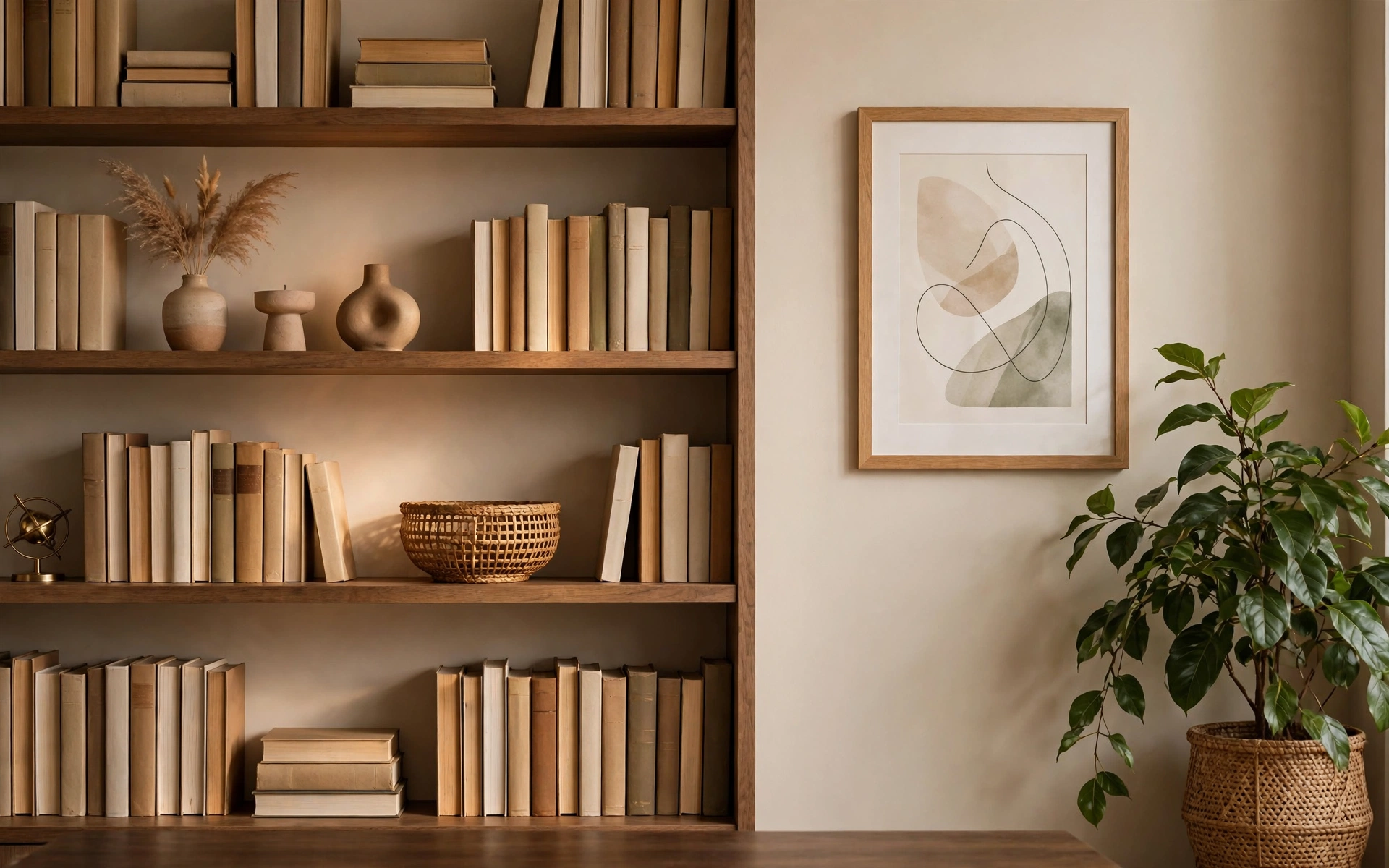
Remote work made your background part of your professional image. Of all the home office desk setup ideas here, this is the one your coworkers will actually notice — so style the three feet of wall your camera sees: a bookshelf with books and a few objects, one framed print, and a plant for life. Keep it intentional but real — a curated shelf reads better than a blank wall or a blurred filter. Light yourself from the front: face a window, or place a soft lamp or ring light behind your camera so your face is lit and the background falls slightly darker. Tidy the visible zone before calls and leave the rest of the room alone.
Frequently Asked Questions
What are the most effective home office desk setup ideas for a full workday?
Start with ergonomics — monitor at eye level, external keyboard and mouse, and a chair that supports your lower back. Then fix lighting and cable clutter. Those three changes improve comfort more than any decor upgrade.
How high should my desk and monitor be?
For most adults, a desk height of 28–30 inches works with elbows near 90 degrees. The top of your monitor should sit at or just below eye level, about an arm’s length away.
How do I set up a productive desk in a small room?
Use a compact desk with a monitor riser, move storage to wall shelves or a pegboard, and pick an armless chair that tucks underneath. Keep the surface to daily essentials only.
What kind of lighting is best for a home office desk?
Layer it: ambient room light, a task lamp or monitor light bar aimed at the desk, and a warm accent glow. Keep bulbs around 3000–4000K for daytime focus.
How can I make my desk setup look good on video calls?
Style the wall behind you with a shelf, art, and a plant, and put your main light source in front of you — facing a window or a lamp behind the camera — so your face is lit, not backlit.
The Bottom Line
You don’t need a perfect office — you need a setup that removes friction. Pick one or two of these home office desk setup ideas, the ones that fix what bothers you most, and give them a week. A monitor at the right height, light that doesn’t strain your eyes, and a desk that stays clear will do more for your focus than any full-room makeover. Start small, adjust as you go, and let the workspace grow around the way you actually work.
By Nestora Find